How to start job searching on Jobportal
You can register as a jobseeker on Jobportal here.
During registration, we recommend using your personal email address. Creating an account is completely free and does not commit you to anything. If you already have an account, you can log in. here.
After registering, you can complete your applicant profile with your personal details. We recommend filling in your information carefully so that you can apply for jobs more quickly in the future by using the details saved in your profile. You can also add your LinkedIn profile to your applicant profile and use it as your CV or alternatively upload your CV as a separate file—whichever suits you best. In addition, you can attach a portfolio to your job application. portfolio as an attachment to your job application.
There is two different ways to apply for a job:
- Pressing from the icon “Apply now”After clicking “Apply for the position,” a form will open with your applicant profile information automatically filled in. You can edit the information if necessary to match the position you are applying for.If you have not yet registered as a job seeker, the form will be empty, and you can enter your information manually. You can also add attachments and a link to, for example, your portfolio or LinkedIn profile.If you have not yet registered as a job seeker, after submitting the form, you will have the option to register for the service. You will receive an email at the address you provided with information about creating your login credentials.
- Pressing from the icon “Apply now”You will be redirected via the button to a separate page where you can fill out the application.
Error submitting application
If you receive an error message when submitting your application, try refreshing the page (F5) or using the website in a different browser. If the problem persists, please contact our customer service.Once your application has been successfully submitted, the following message will appear on the page: "Your application has been submitted!”You can view the jobs you have applied for in your job seeker profile.
It is currently not possible to submit an open application to Jobportal.
From your own profile, you can set up the job alert, which makes it easy for you to stay informed about job opportunities that interest you. We continuously update and develop the service to better meet the needs of job seekers.
As a registered jobseeker, you have the right to have your data removed from the register without undue delay. Requests concerning this should be sent to: asiakaspalvelu@jobportal.fi. asiakaspalvelu@jobportal.fi .
How to write
a strong CV
- Clear and easy-to-read structure
- Bring out the most important information right away
- Length max. 1–2 pages
- Highlight relevant work experience and skills
- Use ready-made CV templates, such as Canva
- Use the right language, English or Finnish depending on the job
- Divide the text into short sections
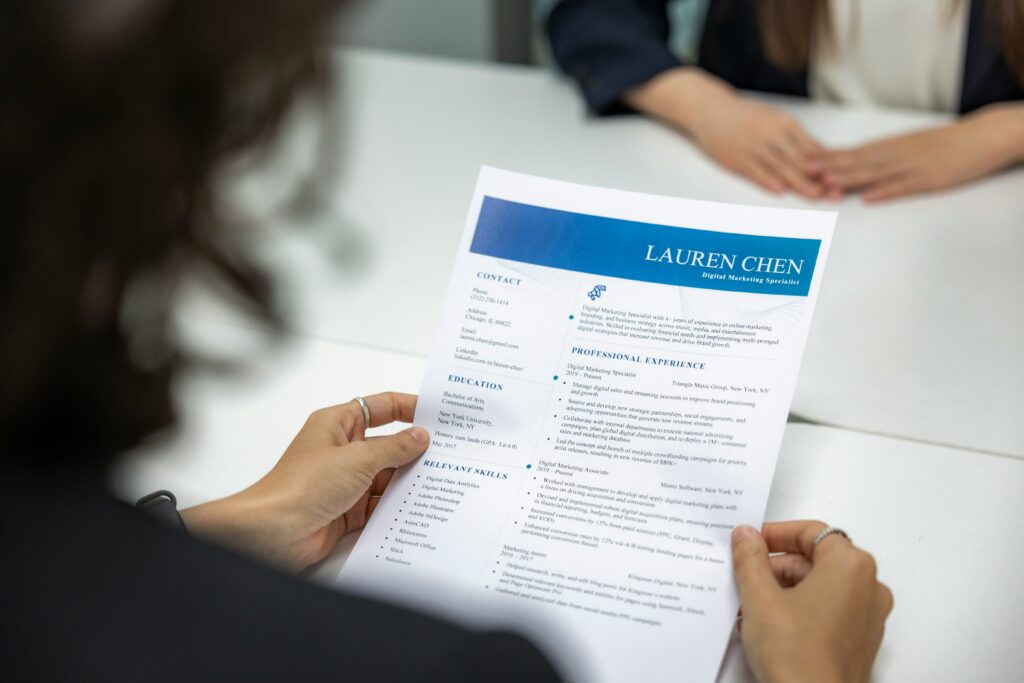
6 things that make a CV stand out:
Profile text
Good profile text
Write a short introduction that explains who you are and why you should be hired.
- 3–4 sentences
- Describe your role and expertise
- Describe your skills and key competencies
- Highlight 1–2 concrete achievements
Try to shape the text to match the job posting. If you have less experience, highlight your career goals and transferable skills.
Good examples
1. Short and concise, focused on achievements
Experienced digital marketing manager with six years of experience in leadership roles at a multinational company. I increased inbound leads by 300% and grew online sales from €300,000 per year to over €2.5 million in three years. I want to progress in my career, which is why I am offering my expertise to Company X’s marketing team.
2. Distinctive, strong achievements
Poor examples
1. Does not attract attention, does not present transferable skills
I am a content creator looking for work as an SEO specialist. I do not have experience in this field yet, but I am committed to my work and quick to learn.My interest in search engines helps me perform my tasks excellently in your company.
2. Too general, does not mention achievements
I forgot my password, what do I do?
If you have forgotten your password you can get the new password by entering your email address on the login page under 'Lost your password? Reset it here'.